
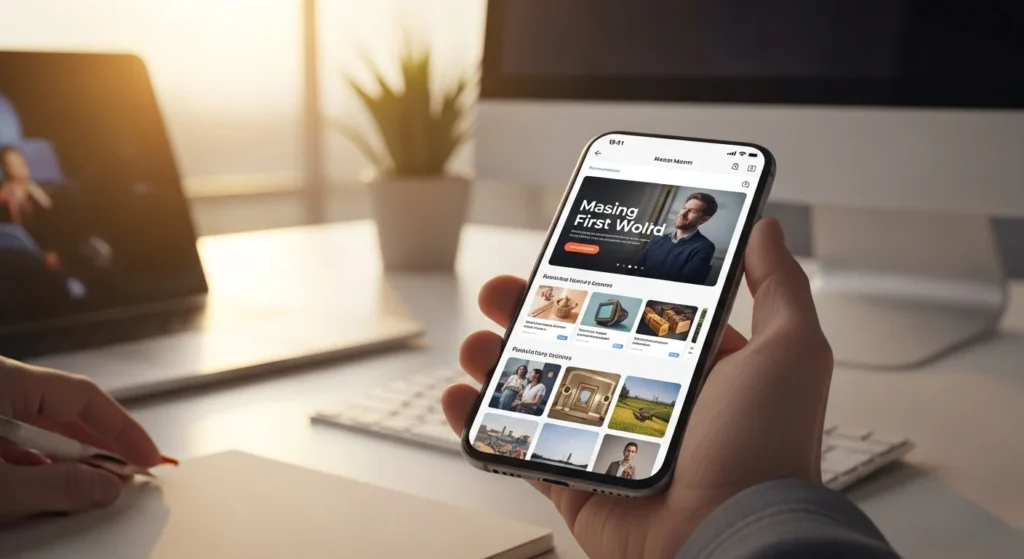
Last week, I watched a colleague try to book a restaurant reservation on her phone during lunch. She tapped the wrong button three times, accidentally zoomed into a map she didn’t need, and eventually gave up and called the place instead. The restaurant’s website looked gorgeous on a desktop. On a 6.1-inch screen? It was a disaster. That single interaction cost a business a frictionless conversion — and probably wasn’t the first time.
We’ve been talking about mobile-first design for over a decade now. But somehow, in 2024, I still encounter websites that treat mobile users as an afterthought. The “we’ll shrink it down later” approach hasn’t just aged poorly — it’s become a genuine liability.
The Numbers Don’t Lie (And They Haven’t for Years)
Here’s what gets me. Over 60% of global web traffic now comes from mobile devices. In some industries — food service, local retail, entertainment — that number climbs past 75%. Google switched to mobile-first indexing back in 2019, meaning your site’s mobile version is what gets crawled and ranked. Not your beautiful widescreen layout. Not your carefully arranged three-column grid. The phone version.
Yet I still audit sites where the desktop experience clearly came first and the mobile version feels like a cramped afterthought. Text that requires pinching. Buttons stacked so close together that fat thumbs hit the wrong one every time. Forms that take eleven taps to complete when they should take four. These aren’t minor annoyances — they’re revenue killers. A 2023 Google study found that 53% of mobile users abandon a site that takes longer than three seconds to load. Three seconds. That’s less time than it took you to read this paragraph.
What Mobile-First Actually Means (It’s Not What Most People Think)
There’s a persistent misconception that mobile-first design simply means making your site responsive — that if elements rearrange themselves on smaller screens, you’ve checked the box. That’s responsive design, and it’s necessary, but it’s not the same thing. Responsive is a technical approach. Mobile-first is a philosophy.
When you design mobile-first, you start with the smallest screen and the most constrained environment. You ask brutal questions early: What’s the single most important action a user needs to take on this page? What content can we cut entirely? What’s genuinely essential versus what just looks nice on a 27-inch monitor?
This constraint-driven thinking actually produces better designs across all screen sizes. I’ve seen it repeatedly in my own work. When you’re forced to prioritize at the mobile level, you eliminate clutter that you’d otherwise leave in “because there’s room for it” on desktop. The desktop version ends up cleaner, more focused, and faster — not despite the mobile-first approach, but because of it.
Think of it like packing for a weekend trip with only a carry-on. You bring what matters. Then when you get a bigger suitcase for a longer trip, you don’t suddenly fill it with junk. You’ve already learned what you actually need.
Performance Is the Silent Deal-Breaker
Let’s talk about something designers don’t discuss enough: performance isn’t a developer problem. It’s a design problem. Every hero image that’s 4MB, every auto-playing video, every third-party script powering a fancy animation — those are design decisions that tank mobile experiences.
I worked on a project last year where the client’s homepage loaded in 1.8 seconds on desktop and 9.4 seconds on mobile. The culprit? A carousel with six full-resolution images, a chat widget, two analytics trackers, and a custom font loaded in four weights. The design team hadn’t tested on a real phone with a real cellular connection. They’d previewed the mobile layout on their MacBook’s responsive mode over gigabit Wi-Fi and called it done.
Real mobile UX testing means using actual devices on actual networks. It means throttling your connection to 3G and watching your beautiful design crawl. It’s uncomfortable, but it’s honest. And the performance insights you get from that discomfort will shape better decisions going forward.
Where This Goes Wrong — And How to Fix It
The biggest trap I see teams fall into is treating mobile UX as a checklist item rather than an ongoing commitment. They’ll optimize once, launch, and then gradually pile on features that erode the experience. A popup here, a new section there, an embedded third-party tool that adds 200KB of JavaScript. Death by a thousand cuts.
The fix isn’t complicated, but it requires discipline. Set a performance budget — say, under 2 seconds for Largest Contentful Paint on mobile — and treat it like a hard constraint, not a suggestion. Test every new feature against that budget before it ships. Make mobile the default preview in your design tools, not the secondary one you toggle to at the end.
And honestly? Use your own product on your phone. Regularly. On the bus, one-handed, while distracted. You’ll discover problems that no analytics dashboard will ever surface.
The era of designing for desktops and hoping phones will figure it out is over. It’s been over. The businesses that thrive online are the ones that recognized this shift years ago and built their entire process around it. The ones still catching up aren’t just behind — they’re actively losing customers to competitors who made mobile design the starting point, not the afterthought. The question isn’t whether you can afford to go mobile-first. It’s whether you can afford not to.